Intro
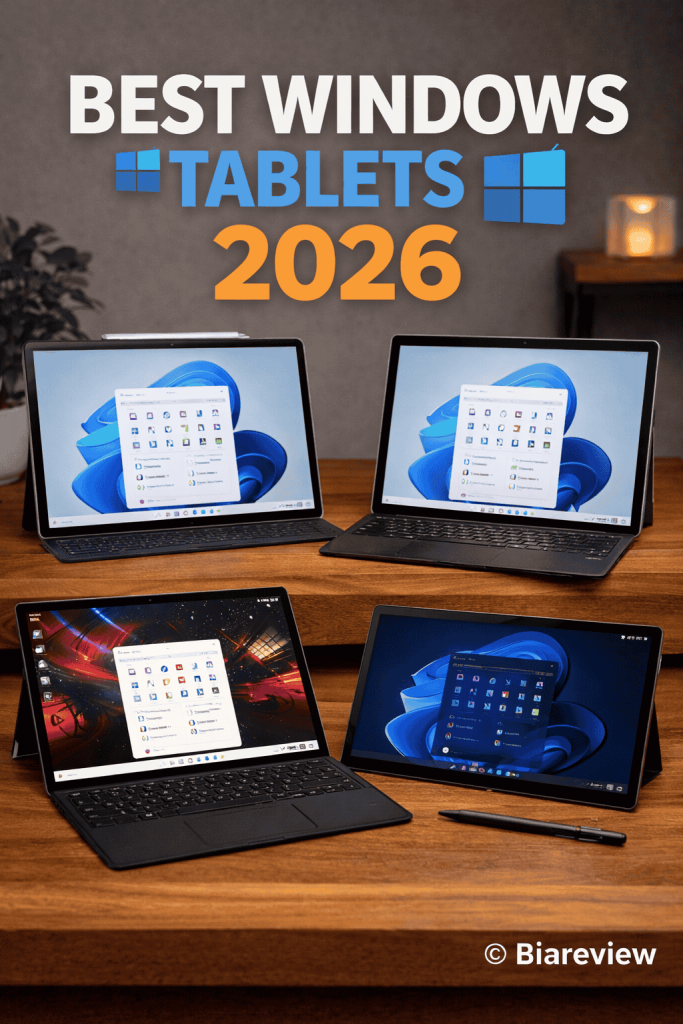
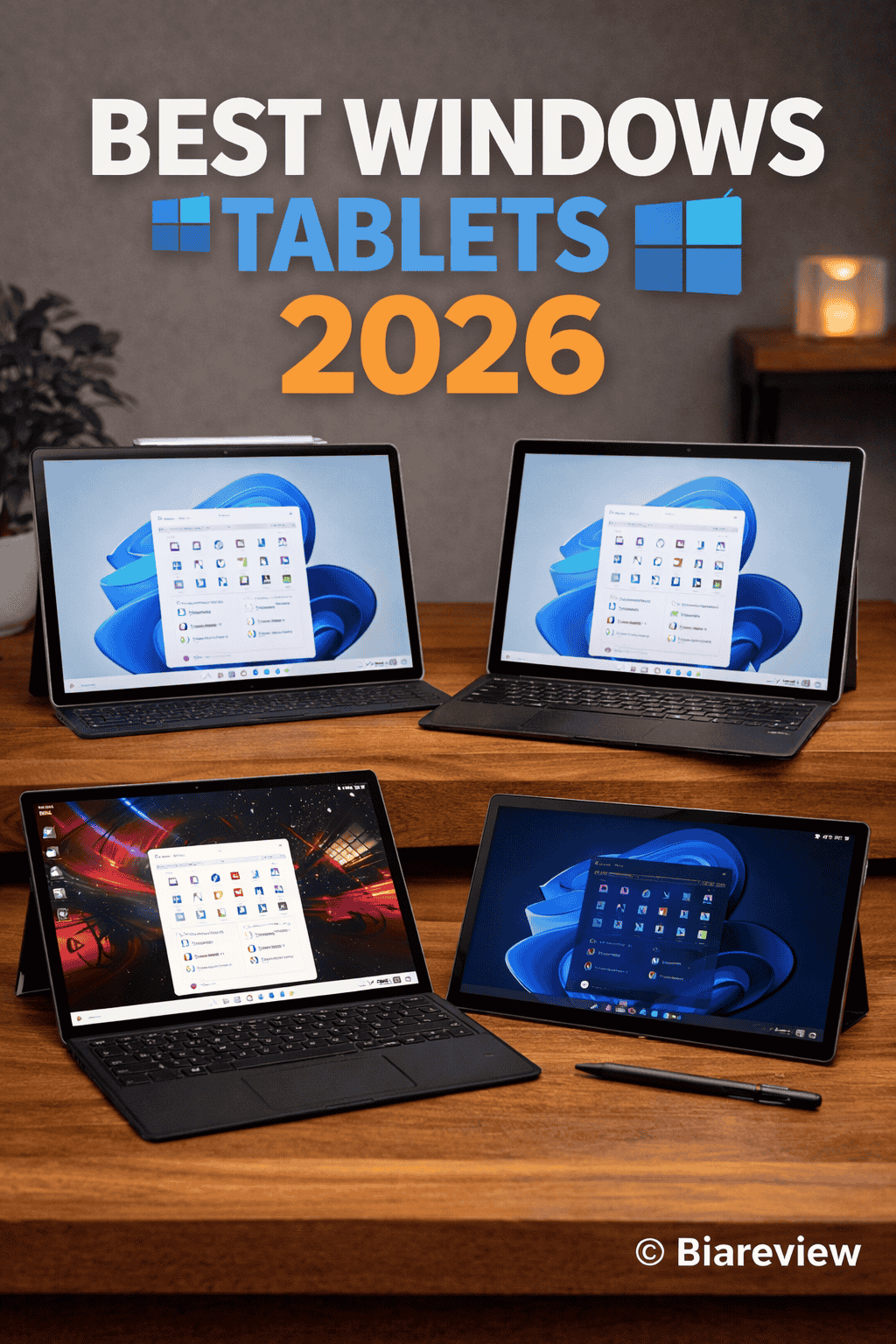
The year 2026 marks the establishment of a distinct market position for Windows tablets. The devices provide full desktop operating systems which create better productivity environments than iPads and Android tablets because users can run coding and Excel and design tools and enterprise workflows.
The combination of Intel Core Ultra chips and enhanced battery performance and artificial intelligence capabilities enables Windows tablets to achieve laptop replacement status.
The guide evaluates top Windows tablets through actual usage tests which assess their performance metrics and overall worth.
Top Comparison Table
| Tablet | Best For | Display | Chip | Battery |
| Surface Pro 10 | Overall | 13″ 120Hz | Intel Core Ultra | ~9h |
| Surface Pro 9 | Value | 13″ 120Hz | Intel Core i5/i7 | ~10h |
| ASUS ROG Flow Z13 | Gaming | 13.4″ 165Hz | Intel + RTX GPU | ~6h |
| Lenovo ThinkPad X12 Detachable Gen 2 | Business | 12.3″ | Intel Core Ultra | ~9h |
| Dell Latitude 7320 Detachable | Enterprise | 13″ | Intel Core i7 | ~8h |
Quick Product Summary
- Best overall: Microsoft Surface Pro 10
- Best value: Microsoft Surface Pro 9
- Best for gaming: ASUS ROG Flow Z13
- Best for business: Lenovo ThinkPad X12 Detachable Gen 2
- Best for enterprise: Dell Latitude 7320 Detachable
Detailed Specification Table
| Model | Display | Refresh Rate | RAM | Storage | OS | Weight |
| Surface Pro 10 | 13″ LCD | 120Hz | 16–32GB | 256GB–1TB | Windows 11 | ~879g |
| Surface Pro 9 | 13″ LCD | 120Hz | 8–16GB | 128GB–1TB | Windows 11 | ~879g |
| ROG Flow Z13 | 13.4″ IPS | 165Hz | 16GB | 512GB–1TB | Windows 11 | ~1.1kg |
| ThinkPad X12 Gen 2 | 12.3″ IPS | 60Hz | 16GB | 512GB–1TB | Windows 11 | ~760g |
| Latitude 7320 | 13″ IPS | 60Hz | 8–16GB | 256GB–512GB | Windows 11 | ~789g |
- Microsoft Surface Pro 10
Microsoft Surface Pro 10, 13″ 2-in-1 Tablet & Laptop (Intel Core Ultra 7, Platinum, 32GB RAM | 512GB SSD):
Microsoft Surface Pro 10, 13″” 2-in-1 Tablet & Laptop, Thin & Lightweight, Intel Core Ultra 7 165U, 64GB Ram, 1TB SSD, Win 11 Pro, Platinum ZEA-00001 Bundle:
Microsoft Surface Pro 10 for Business, 2-n-1 Laptop/Tablet, Windows 11 Pro, Intel Core Ultra 7, 32GB, 512GB SSD, Platinum, 5G (Renewed):
The Surface Pro 10 uses Intel Core Ultra processors to deliver its full potential for professional work tasks. The device demonstrates its real-world performance capabilities by handling:
- Heavy multitasking (multiple Chrome tabs, Office apps)
- Coding, spreadsheets, and business software
- The setup of external monitors
Windows 11 operates on this device because it uses full Windows 11 which enables users to run all desktop applications without any restrictions.
Display & Experience
The 13-inch PixelSense touchscreen offers:
- Sharp resolution with excellent text clarity
- Smooth 120Hz dynamic refresh rate
- Anti-reflective coating for better outdoor use
The display provides optimized productivity functions but it fails to achieve OLED standards.
Design & Flexibility
The Surface Pro 10 maintains Microsoft’s 2-in-1 design through its:
- Built-in kickstand (adjustable up to 165°)
- Thin and lightweight body
- Detachable keyboard support
The system allows users to switch between three different modes which include:
- Tablet mode
- Laptop mode
- Studio mode (for drawing/design)
AI & Productivity Features
The current generation of the product introduces AI technology through its main upgrade. The system enables users to access AI through a dedicated Copilot key which allows quick AI functionality. The system uses AI technology to assist users with writing tasks and summarization tasks and productivity work. The system enhances user experience through its advanced voice input and pen input capabilities. The system includes features which help users to work more effectively in actual job environments.
Pros & Cons
Pros
- The system provides full Windows operating system access which enables users to run any application they choose.
- The system delivers exceptional work performance which supports users who need to run multiple tasks simultaneously.
- The device offers users a flexible design which combines the functions of two separate devices.
- The system provides artificial intelligence capabilities which enable users to operate Copilot functions.
Cons
- The device offers average battery performance which falls short of the iPad standard that delivers between seven and nine hours of usage.
- The company sells the keyboard and stylus as separate products from the main device.
- The product does not suit users who want to watch movies and TV shows.
- The cost of top-tier options exceeds reasonable limits for users who want to purchase advanced features.
Who Should Buy It?
Ideal for:
- Business professionals who work in office settings
- Developers and analysts who work with multiple tasks at once
- Users who need to switch from a laptop to a new system
Not ideal for:
- People who want to watch media content in a relaxed way
- People who want to use their devices for gaming purposes
- People who want to purchase items at a low cost
- Microsoft Surface Pro 9
Microsoft Surface Pro 9 Tablet – 13″ – Core i7 12th Gen i7-1265U Deca-Core – 16 GB RAM – 512 GB SSD – Windows 11 Pro 64-Bit – Graphite (Renewed):
Microsoft Surface Pro 9, 13″ 2-in-1 Tablet & Laptop, Thin & Lightweight, Fast Intel 12th Gen i7 Processor, 16GB Ram, 512GB Storage with Windows 11, Graphite Microsoft Copilot (Renewed):
Microsoft Surface Pro 9 (2022), 13″ 2-in-1 Tablet & Laptop, Thin & Lightweight, Intel 12th Gen i7 Fast Processor for Multi-Tasking, 16GB RAM, 256GB Storage with Windows 11, Graphite (Renewed):
Performance & Real-World Use
The Surface Pro 9 provides consistent performance for daily work tasks through its 12th Gen Intel Core processor system. The system enables users to run Office applications which include Word Excel and PowerPoint without interruptions. The system provides users with dependable web browsing functions while they execute multiple tasks simultaneously. The system handles basic creative tasks and programming work without problems. The system performance shows high dependency on the hardware setup. The system performance decreases when users attempt to run multiple applications at the same time in lower-spec versions which only provide 8GB RAM.
Display & Experience
The 13-inch PixelSense Flow display offers:
- High resolution display of 2880 × 1920
- Refresh rate of 120Hz which provides smooth visual performance
- Display brightness reaches approximately 450 nits
The display maintains sharpness and quick response time but its color intensity falls short of the OLED screens used in modern high-end tablets.
Design & Portability
The Surface Pro 9 design generates its main competitive advantage because it provides users with:
- ultra-light design which weighs approximately 879 grams
- Multiable kickstand system which allows users to select different viewing angles
- Detachable keyboard support
The device enables users to operate it as both a laptop and a tablet making it perfect for users who need to work while on the move.
Battery Life
The Surface Pro 9 performs for approximately 10 hours during actual usage tests which shows decent performance but it does not reach top performance levels.
The battery system experiences performance reduction during periods of intense work and when users run multiple applications at the same time.
Pros & Cons
Pros
- The product offers lightweight design which enables easy transportation
- The device features a 120Hz touchscreen which provides smooth operation
- The system provides users with full Windows operating system access without any software restrictions
- The product combines two devices into one through its 2-in-1 design
Cons
- The system performance shows dependency on the specific RAM configuration
- The display quality reaches an acceptable level but does not achieve exceptional standards
- The company sells keyboard and pen as individual products to customers
- The product battery life delivers average performance when compared to other products in the same market segment
Who Should Buy It?
Ideal for:
- Students and office users
- Users needing a portable Windows device
- Light productivity and note-taking
Not ideal for:
- Heavy multitasking (on base models)
- Advanced creative work
- Gaming
- ASUS ROG Flow Z13
ASUS ROG Flow Z13 (2025) Gaming Laptop, 13” ROG Nebula 16:10 2.5K 180Hz/3ms, AMD Ryzen AI MAX+ 395, RDNA 3.5 Graphics, 128GB LPDDR5X 8000MHz, 1TB PCIe Gen 4 SSD, Wi-Fi 7, Win 11 Pro, GZ302EA-XS99:
ASUS ROG Flow Z13 2.5K 180Hz 3ms ROG Nebula Touchscreen 13.4″ Convertible 2-in-1 Gaming Notebook AMD Ryzen AI MAX+ 395 32GB RAM 1TB SSD Off Black:
ASUS ROG Flow Z13 2-in-1 Creator Laptop 13.4″ 180 Hz Touchscreen LCD WQXGA (2560 X 1600) Display (AMD Ryzen AI MAX+ 395, 32GB LPDDR5X, 1TB SSD, RGB KB, WiFi 7, Win 11 Pro) w/DKZ USB Port Expander:
ASUS ROG Flow Z13 AI Gaming 2-in-1 Laptop 13.4″ Touchscreen IPS WQXGA Display (AMD Ryzen AI Max+ 395, 64GB LPDDR5X, 2TB M.2 PCIe SSD, RGB KB, WiFi 7, Webcam, Win 11 Pro) w/DKZ USB Port Expander:
Performance & Real-World Use
The Flow Z13 tablet functions as a specialized device which meets the demands of both high-performance users and gamers. The system supports multiple configurations which include advanced Intel and AMD processors that deliver exceptional performance through their embedded and dedicated graphical processing units.
The system demonstrates its capabilities through its ability to handle three different functions which include:
- Handles AAA gaming at medium–high settings
- Excellent for CPU-heavy workloads (editing, coding)
- Smooth multitasking with desktop apps
The device operates as a gaming laptop which uses tablet design elements. The device performs better than tablets but functions at lower capacity than complete gaming laptops which contain advanced RTX graphics processing units.
Display & Gaming Experience
The 13.4-inch display is optimized for gaming:
- High refresh rate (up to 165–180Hz)
- Sharp QHD+/2.5K resolution
- Wide color coverage (good for creators)
The system provides users with an experience of seamless gameplay which creates visually stunning effects throughout competitive first-person shooter games.
Design & Flexibility
The system has its main advantage through its dual-purpose design which enables users to work both as a tablet and a traditional computer. The system includes three separate components through which users interact with the device:
- Detachable keyboard
- Built-in kickstand
- Compact 13-inch form factor
The system provides users with three distinct operating modes which include:
- Tablet mode (touch/gaming)
- Laptop mode (keyboard)
- Desktop mode (external monitor)
The device has a more substantial weight and thickness compared to standard tablets, which makes it difficult to hold for prolonged periods.
Cooling & Thermals
ASUS employs its modern cooling system, which combines a vapor chamber with active fan technology, to create conditions that enable:
- Better sustained performance than most tablets
- Lower thermal throttling during gaming
The system produces heat and noise during intense operation because of its design as gaming equipment.
Battery Life
Battery is one of the weakest points:
- Around 5–7 hours typical use
- Much lower during gaming
The situation exists because the system includes powerful components.
Pros & Cons
Pros
- True gaming performance in tablet form
- High refresh rate display
- Extremely versatile (tablet + laptop hybrid)
- Strong cooling compared to other tablets
Cons
- Poor battery life
- Tablet size makes it difficult to carry
- Product price reaches a high level
- Device performance falls short of full gaming laptops
Who Should Buy It?
Ideal for:
- Gamers who want portability
- Power users needing GPU performance
- Tech enthusiasts
Not ideal for:
- Casual users
- Students (overkill)
- Users prioritizing battery life
- Lenovo ThinkPad X12 Detachable Gen 2
Performance & Real-World Use
The device uses Intel Core Ultra processors to deliver optimized performance for:
- Office productivity (Excel, Power BI, enterprise tools)
- Multitasking across multiple apps
- Secure business workflows
The system enables Intel vPro Enterprise support which provides excellent support for IT-managed environments and corporate deployments.
The system maintains stable and efficient performance throughout its operational period, but designers intended it for productive tasks instead of demanding creative work and video game play.
Display & Experience
The 12.3-inch display operates with a 3:2 aspect ratio which enables:
- Better vertical space for documents and browsing
- Sharp and clear for text-heavy work
- More focused on usability than entertainment
The smaller screen of the device provides greater portability than Surface Pro while reducing the ability to conduct multiple tasks simultaneously.
Design & Build Quality
Typical ThinkPad DNA is obvious here:
- Magnesium-aluminum chassis (durable and premium)
- Detachable folio keyboard included in many configurations
- Lightweight (~760g tablet only)
The device prioritizes durability and long-lasting reliability above fashionable design for end users.
Ports, Connectivity & Business Features
The X12 Gen 2 provides professionals with excellent connectivity options through its:
- Thunderbolt 4 + USB-C ports
- Optional 4G LTE with eSIM
- Wi-Fi 6E + Bluetooth 5.3
Security stands out as the main feature of the system through:
- IR camera for Windows Hello
- Self-healing BIOS
- Enterprise-grade password and device protection
Pros & Cons
Pros
- Strong business and enterprise features (vPro, security)
- Durable ThinkPad build quality
- Lightweight and highly portable
- Keyboard often included (better value vs competitors)
Cons
- Smaller display limits multitasking
- Not ideal for media or entertainment
- Expensive for the specs
- Design is more functional than modern
Who Should Buy It?
Ideal for:
- Business professionals
- Enterprise / corporate users
- Frequent travelers needing portability
- IT-managed environments
Not ideal for:
- Creators (design, video editing)
- Gamers
- Casual users seeking entertainment
- Dell Latitude 7320 Detachable
Dell Latitude 7320 Detachable Detachable 2-in-1 Laptop Tablet Touch | 13″ 1920×1280 FHD+ | Core i5-1140G7-256GB SSD Hard Drive – 16GB RAM | 4 cores @ 4.2 GHz Win 11 Pro Black (Renewed):
Performance & Real-World Use
The device uses 11th Gen Intel Core processors with Intel vPro to provide optimal performance for:
- Office productivity (Excel, Word, enterprise apps)
- Remote work and secure environments
- Multitasking with moderate workloads
The system operates with stable performance in regular tasks but lacks capacity for demanding activities like video editing and gaming.
Display & Experience
The 13-inch display uses a 3:2 aspect ratio which provides an optimal solution for productivity work because of:
- The increased vertical document space
- The display reaches ~500 nits brightness which meets office requirements
- The display uses Gorilla Glass for protection
The display shows acceptable resolution and color performance which falls short of the advanced display capabilities found in modern premium tablets.
Design & Portability
The Latitude 7320 follows a familiar Surface-style design:
- Built-in kickstand
- Detachable keyboard
- Lightweight (~789g tablet only)
The device provides easy mobility for professionals who work outside their offices but the keyboard costs extra because it comes as a separate purchase.
Connectivity & Business Features
The device provides its main advantages through these features:
- 2× Thunderbolt 4 (USB-C) ports
- Optional LTE / eSIM support
- Enterprise security (vPro, BIOS protection, Windows Hello)
The organization uses these features to create suitable work environments for both remote and corporate IT operations.
Battery Life
The Windows tablet offers good battery performance which lasts for:
- Around 8–10 hours of typical use
The device matches other business tablets in performance but still shows lower efficiency than iPads.
Pros & Cons
Pros
- The system provides strong enterprise security through Intel vPro technology.
- The system maintains a lightweight design which enables easy transportation.
- The display system provides effective productivity through its 3:2 aspect ratio.
- The system demonstrates dependable performance during office work activities.
Cons
- The hardware products require customers to spend a high amount of money.
- The display system fails to deliver top performance standards in its category.
- The keyboard functions as an additional purchase because it does not come included.
- The system does not meet the requirements necessary for gaming and creative work activities.
Who Should Buy It?
Ideal for:
- Business professionals
- Enterprise / corporate environments
- Remote workers needing secure devices
Not ideal for:
- Gamers
- Creators (video, design)
- Casual users looking for entertainment
Feature Comparison Table
| Feature | Surface Pro 10 | Surface Pro 9 | ROG Flow Z13 | ThinkPad X12 | Latitude 7320 |
| Touchscreen | Yes | Yes | Yes | Yes | Yes |
| Stylus Support | Yes | Yes | Yes | Yes | Yes |
| Keyboard | Optional | Optional | Yes | Yes | Yes |
| GPU Power | Integrated | Integrated | Dedicated RTX | Integrated | Integrated |
| AI Features | Yes | Limited | Limited | Limited | Limited |
Buying Guide
- Choose Based on Usage
- Surface Pro 10 serves as the best option for work and productivity needs.
- Surface Pro 9 functions as the best option when budget constraints exist.
- ROG Flow Z13 serves as the superior choice for gaming purposes.
- ThinkPad and Dell systems serve as the appropriate options for business use.
- Performance (CPU & GPU)
- Intel Core Ultra delivers optimal performance through its equal distribution of processing power.
- Gaming and design work require dedicated GPU graphics processing units.
- Battery Life
- Users should expect battery performance between 7 and 10 hours which falls short of iPad battery life.
- The gaming models consume battery power at their highest rate.
- Portability vs Power
- Business tablets exist in lightweight form.
- High-performance devices and gaming systems require heavy design.
- Accessories Matter
- Keyboard functions as a required component because it is usually offered as an independent product.
- Stylus provides valuable assistance for both note-taking and design work.
Final Verdict
Windows tablets in 2026 serve as the optimal solution when you require a complete laptop replacement.
The Surface Pro 10 delivers the market’s best combination of processing power and user-friendliness while the ROG Flow Z13 advances the boundaries of gaming performance.
A Windows tablet represents the best investment for your work requirements if you need to use complete desktop applications.

Tech Reviewer & Product Analyst
Định Bia has spent over 10 years testing consumer electronics with a focus on smart technology. He work as a product advisor at Biareview where he helped customers find the right devices for their needs. He personally tests every product featured on this site using a consistent evaluation framework covering quality, durability, and value. All reviews are based on experience, not influenced by the manufacturer.