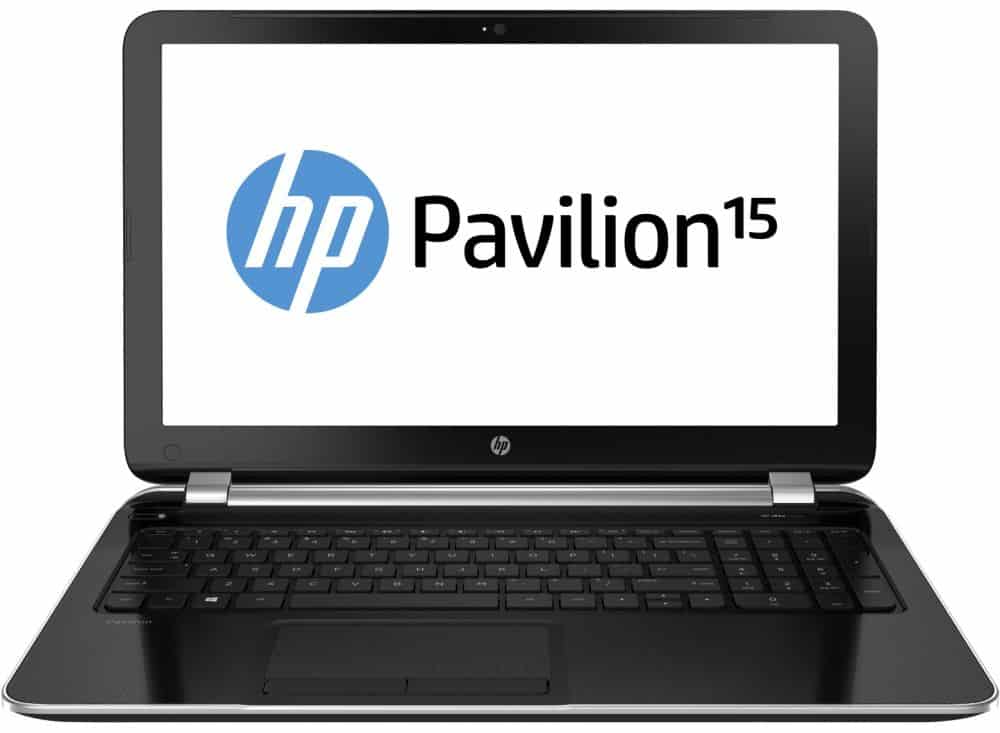
Unlike Test Labs, the Pavilion 15 uses the SoC Bay Trail-M microarchitecture and Silvermont architecture to create a good impression of battery life, large touch screen and Windows 8.1 licensing.
Design
Standing out from the trend of slim design today, HP’s new laptop model does not change much in style, slimmer than the older version with “measurements” 36 x 25.8 x 2.4 cm and heavy Up to 2.78 kg should not be suitable for mobile users.
It still has some nice design touches — clean lines, rounded edges, a slimmer feel overall. The 15.6-inch screen pairs with Beats Audio speakers, and in testing, they actually deliver — more depth and detail than most laptops in this class.
Inside, it runs Intel’s Bay Trail-M SoC on the Silvermont architecture, the first chip built on a 22nm process and largely redesigned by Intel for better performance without burning through power. MobileMark 2007 testing clocked battery life around 9 hours on the Productivity benchmark, dropping to about 5 hours running PCMark 8 Home — a reasonable spread depending on what you’re actually doing.
The touchscreen runs 15.6 inches at WXGA (1366×768), with an anti-reflective coating that helps keep brightness and contrast readable.
The catch is that the brightness is only sort of moderate, and the viewing angles are tight enough to be kinda annoying outdoors, or when there’s strong light around. Resolution is the bigger issue though, because WXGA stretched across a 15.6 inch panel gives you a clearly lower pixel density than a 13.3 inch screen would at the same resolution, so the fine detail , the sharpness too, kind of takes a hit.
However, Test Lab still appreciates the touch screen sensitivity of the Pavilion 15. For example, with Angry Birds and Ninja Fruit games, the smooth feel of low friction helps to operate on a light, comfortable display. Exactly, game operation is more flexible than when using the touchpad or mouse.
Keyboard and touchpad
The chiclet keyboard supports the right hand keypad for more convenient “statistics” for data entry. Quiet keypress with short travel distance, reasonable distance between the keys should fit both users with large hands. Although the sensitivity is not good enough but still enough to surf quickly on the keyboard when typing text.
Wide touchpad, multi-touch support simplifies operation. Two left and right mouse buttons are also integrated, the keys are light and sensitive, the mouse moves precisely, the operation is quite comfortable, the scrolling, zooming and rotating functions are easier to do.
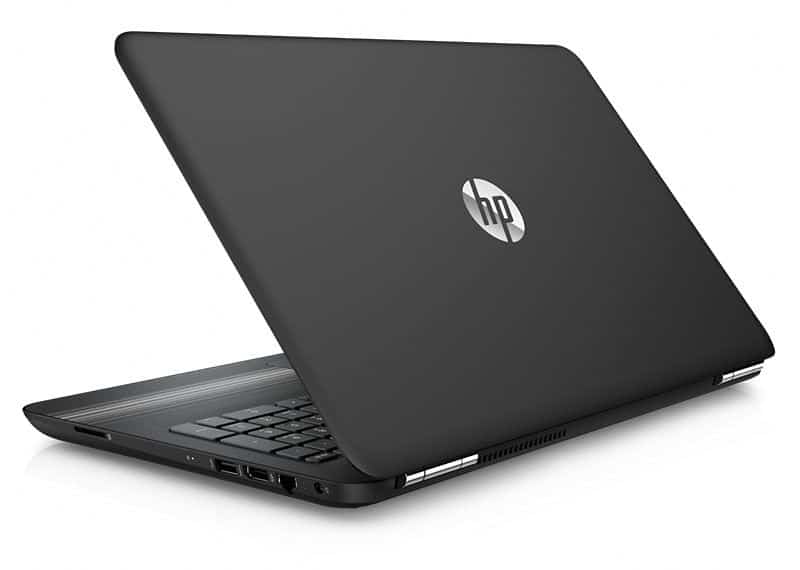
HP Pavilion 15 15.6-Inch Laptop (AMD Quad-Core A6-5200 , 4GB RAM, 500GB HDD, DVD+/-RW, Webcam, Wifi, HDMI,Windows 10),Black: Buy it now
CUK HP Pavilion 15 Gaming Notebook (Intel i7-7700HQ, 16GB DDR4 RAM, 128GB SSD + 1TB 7200rpm HDD, NVIDIA GTX 1050 4GB, 15.6″ Full HD IPS, Windows 10) Cheap Thin Music Production Laptop Under $1000: Buy it now
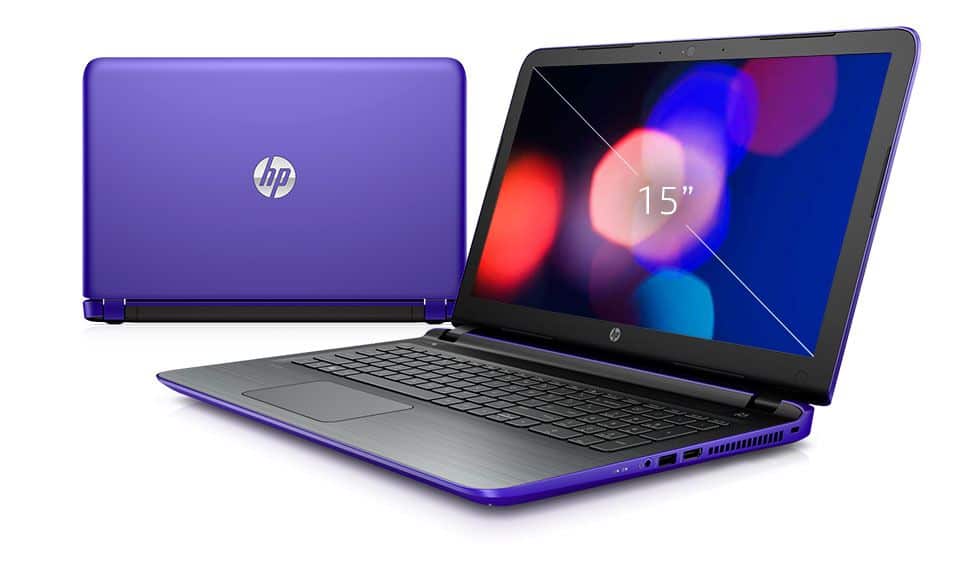
2016 HP Pavilion 15 Premium Flagship Laptop (15.6-inch Touchscreen Display, Intel Core i7-6500U up to 3.1GHz, 12GB RAM, 1TB HDD, NVIDIA GeForce 940MX 2 GB, Windows 10 Home) (Certified Refurbished): Buy it now
HP Notebook 15-ay011nr 15.6-Inch Laptop (6th Gen Intel Core i5-6200U Processor, 8GB DDR3L SDRAM, 1TB HDD, Windows 10), Silver: Buy it now
2016 HP Pavilion 15 Flagship HD 15.6-inch Laptop, Intel Core i5-5200u Processor, 4GB RAM, 1TB HDD, Intel HD Graphics 5500, DVD, HDMI, Webcam-Windows 10: Buy it now
Performance, detail test results
Tested on the Intel Lynx Point LP platform setup, with a Pentium N3530 running at 2.16GHz and a 2MB smart cache. The system also had HD Graphics integrated graphics, specifically the Haswell GT1 kind, plus 4 GB of RAM. For memory it uses a 1600 MHz DDR3 bus and a 500 GB HDD, with a 6 Gb/sec SATA interface.
Overall Performance Pavilion 15 is just average. Hardware configuration using Pentium N3530 and Haswell GT1 integrated graphics is only suitable for basic office applications or gaming. However, considering the touch screen elements, Windows 8.1 operating system copyright and battery life is quite good, the product is still attractive to users.
On PCMark 8 Home, the Pavilion 15 seems to land 1,920 points, which is like 50% more than the Dell Inspiron 11-3137 managed, with the Inspiron running a Celeron 2955U and those Haswell GT1 graphics.
On 3DMark Cloud Gate, the HP posts 1,829 for Physics, 1,507 for Graphics , and 1,568 overall , with the graphics number kinda roughly about twice the Inspiron’s. That makes sense too, because the Pentium N3530 is a dual-core chip with Hyper-Threading, so it’s essentially juggling four data streams at once. Meanwhile, the Celeron 2955U stays dual-core but without multi-threading to lean on , so it feels more pinned down.
CineBench R11.5 kind of confirms the same story. Per-core, the Pavilion actually slides a bit behind, but the multi-core result still pulls ahead — 1.83 compared to the Inspiron’s 1.21.
Data access speed
The product of the popular laptop series, which is equipped with a traditional hard drive (HDD) and has a capacity of 1TB (1,000GB), satisfies the requirement for users to store large amounts of mobile entertainment content. .
Tested with the AS SSD Benchmark test, the drive reads randomly at about 92.5 megabytes per second and 88.3 megabytes per second with write operations, corresponding to 17,15 and 15.49 ms.
The PCMark 05 measured speed in a simulator environment showed an application launch rate of 5.1 MB per second, a virus scan of 77.6 MB per second, a file write speed of 40.1 MB per second While the Windows XP boot process reaches 7.5 MB per second.
With PCMark 8 reaching 1,939 points and the average hard drive speed is 6.38 MB / sec.
Battery life
As mentioned above, the new laptop from HP impressed with the battery life is not less than ultrabook and just behind a few laptops tested Test Lab line. For example, the MobileMark 2007 Productivity Test reaches 9 hours 26 minutes and its continuous battery life reaches 4 hours 53 minutes with only one battery charge. This is in line with the biggest goal of the SoC Bay Trail-M chip, and the Silvermont microarchitecture is about how to use energy more effectively, not to increase the computing power of the chip.
Ability to heat dissipation
In addition to performance evaluations, the Test Lab also recognizes the heat dissipation of the machine in the office environment, with an average temperature of 28 degrees Celsius. The cooler operates quietly when running office applications, listening to music or Surfing the web as well as in the 3DMark Cloud Gate graphics processing task, the highest temperature of the processor and integrated graphics HD Graphics 4400 fluctuate at 44 degrees Celsius, significantly lower than other laptops in the same test.
Related Posts


Tech Reviewer & Product Analyst
Định Bia has spent over 10 years testing consumer electronics with a focus on smart technology. He work as a product advisor at Biareview where he helped customers find the right devices for their needs. He personally tests every product featured on this site using a consistent evaluation framework covering quality, durability, and value. All reviews are based on experience, not influenced by the manufacturer.