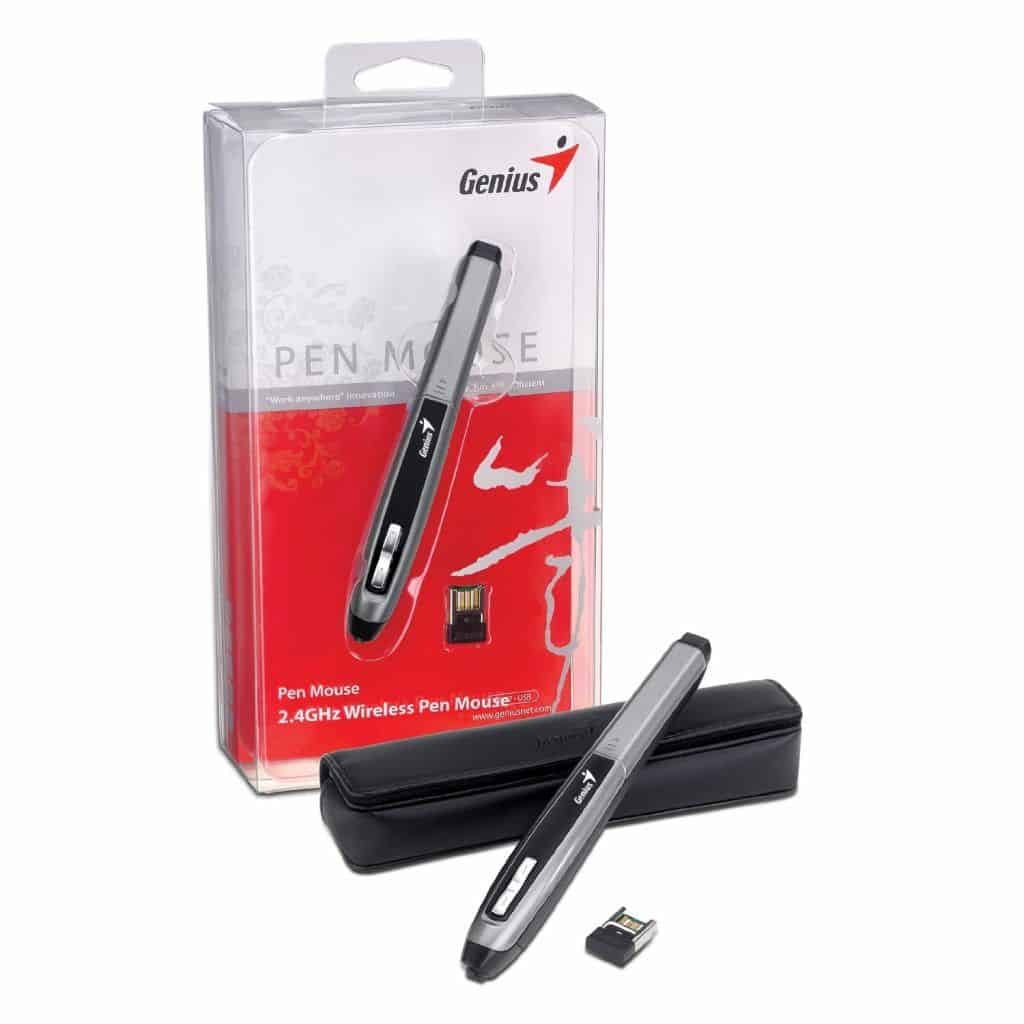

In a compact pen body that looks quite impressive, Genius Pen Mouse is still full of a normal computer mouse like left / right mouse and scroll function.
The Genius Pen Mouse is a unique, easy-to-use pen-shaped machine. The “pen mouse” uses an optical sensor that supports resolutions of up to 1200 dpi. Connect wirelessly (2.4 GHz frequency) to your PC thanks to the compact USB receiver.
Genius Pen Mouse is equipped with two small buttons near the pen tip: right mouse button (top left) and scroll screen button; Touch the tip of the pen to use the left mouse function.
Pen Mouse uses a single AAA Battery.
Included accessories include carrying case, mouse pad and driver disc.
The Genius Pen Mouse in a pencil-shaped look will give you a new experience in mouse control. This compact pen is really handy when you have to constantly move and is suitable for both hands.
The Genius Pen Mouse uses two black-silver tones contrasted in the shape of a regular crayon machine. The “pen” headset is an optical sensor that supports up to 1200dpi resolution (switchable between 400/800 dpi). The Pen Mouse works with a built-in AAA battery built into the pen body and wirelessly connects to your computer through a tiny USB thumb drive. The “pen” body has two basic controls with right mouse button and scroll screen.
Pen Mouse is suitable for both hands, with two different grip modes (selectable from the Pen Mouse application interface on the accompanying CD). You can use your finger or thumb to press the right mouse button and scroll button, or lightly press the pen tip to activate the left mouse button; To scroll the screen – hold down the right mouse button and move the stylus up / down or left / right if the driver is installed. In particular, Pen Mouse has a smart power saving feature that automatically turns off the power when not using the mouse for a period of time. To continue using, just press any button on the mouse.
The weight without the battery of the Pen Mouse is about 17 g. Accompanying accessories include: a compact pocket, two plastic heads that protect the optical sensor, a small tweezer for easy removal of the pen tip, CD and instruction manual.